 MAPKINGS
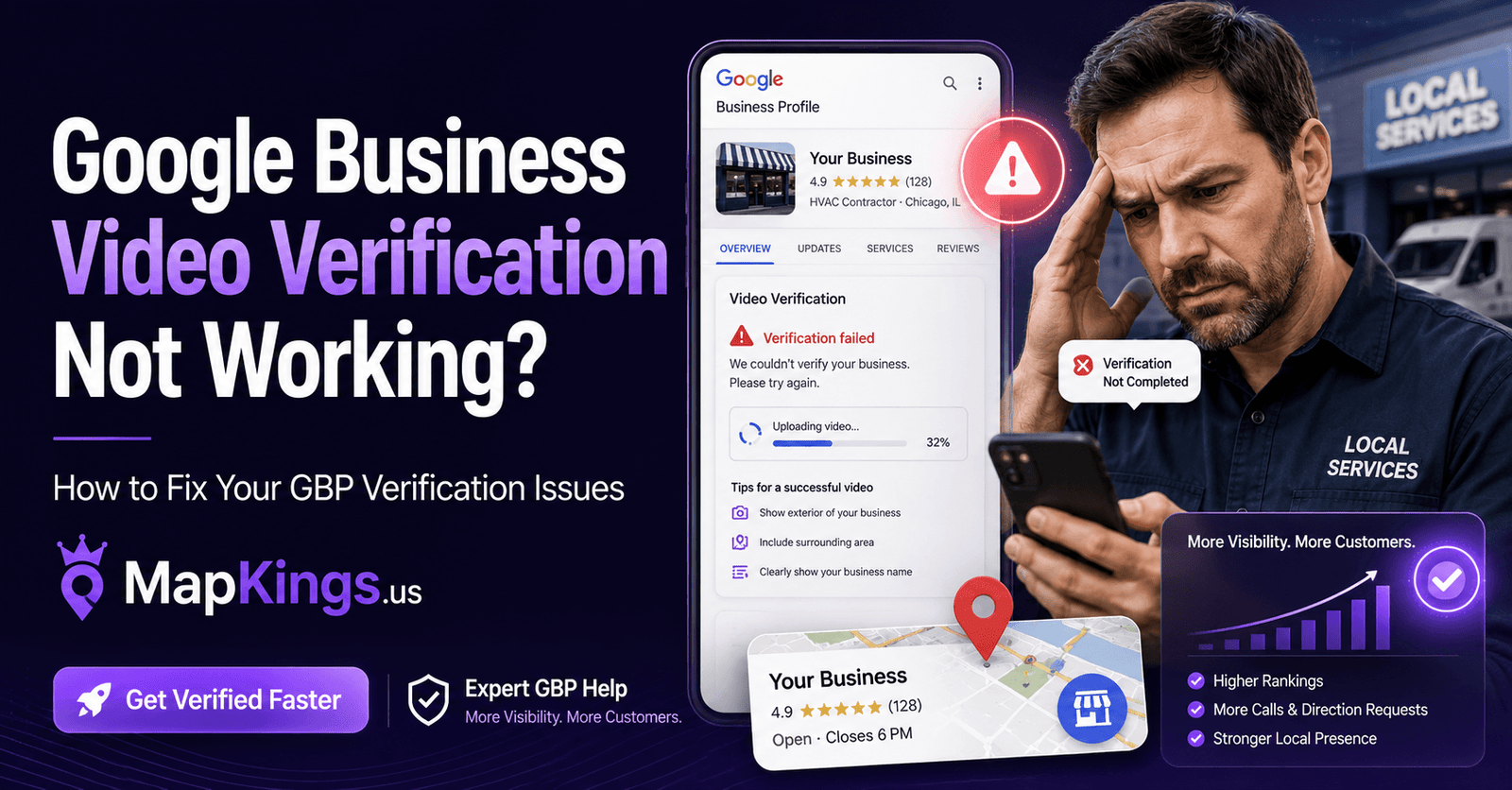
Google Business Video Verification Not Working? Here’s Why Your Profile Is Stuck — And How MapKings Fixes It
If your Google Business Profile video verification is not working, stuck in processing, rejected, looping back to “Get Verified,” or refusing to upload, you are not crazy. This is one of the most frustrating problems business owners are facing right now — especially local companies that depend on Google Maps for calls, leads, visits, and booked jobs.
Why Google Business Video Verification Fails So Often
The keyword “google business video verification not working” is exploding because business owners are getting trapped inside a process that feels simple on the surface but is actually built around trust signals, location proof, business legitimacy, ownership proof, and profile consistency.
Google is not only checking whether you uploaded a video. Google is trying to confirm that your business is real, that it operates where you say it operates, that the person recording the video is authorized to manage the company, and that your Google Business Profile matches the public evidence Google can find across the web.
Direct answer: If Google Business video verification is not working, the issue is usually caused by weak location proof, missing signage, poor service-area evidence, inconsistent business information, incomplete ownership proof, a video that does not follow Google’s requirements, or a profile trust issue that needs cleanup before another verification attempt.
That is where most business owners make the mistake. They keep recording the same type of video again and again. That is not a strategy. If the profile has trust problems, weak online signals, wrong address settings, wrong category structure, mismatched website details, or a messy citation footprint, another video can fail the same way.
What Google Wants To See In A Business Verification Video
Google’s official video verification process is designed to confirm three things: your location, your business existence, and your authority to manage the business. According to Google Business Profile Help, the video should be recorded live from a mobile device, be unedited, be complete with no breaks, and be at least 30 seconds long.
For storefront and hybrid businesses, Google wants to see outside location proof, permanent business signage, and business-only access such as a register, office, kitchen, storage area, or point-of-sale system. For service-area businesses like plumbers, roofers, locksmiths, electricians, HVAC companies, garage door companies, cleaning companies, pest control companies, and contractors, Google wants proof of the operating area, tools, equipment, branded vehicles, uniforms, business documents, or other evidence that the business is legitimate.
You can review Google’s official guidance here: Google Business Profile video verification requirements.
Important: Do not show sensitive information in the video. Avoid bank details, tax IDs, private customer information, private personal documents, or other people’s faces. The goal is to prove your business, not expose private information.
Common Reasons Google Business Video Verification Is Not Working
| Problem You See | Likely Cause | What Needs To Be Fixed |
|---|---|---|
| Video stuck in processing | Google may be manually reviewing the profile, or the profile has trust signals that do not match. | Audit the profile, website, address settings, category, citations, and evidence before escalating. |
| “Get Verified” button comes back | Google could not fully verify the business from the submitted video. | Record a stronger video with clearer location, business existence, and management proof. |
| Video will not upload | Mobile browser/app issue, unstable connection, file capture issue, or session timeout. | Use a clean mobile session, strong Wi-Fi or cellular connection, updated browser, and direct GBP access. |
| “Review issues” message | The submitted video did not meet Google’s requirements. | Review the rejection reason and rebuild the video path before recording again. |
| Video option is the only option | Google automatically chooses verification methods based on business type, public data, region, and profile risk. | Strengthen the trust footprint and request support only when the profile is properly prepared. |
| Service-area business keeps failing | The video does not prove where the business operates or that the business has real tools, equipment, and authority. | Show neighborhood identifiers, work tools, branded vehicle, permits, invoices, or utility documents without exposing private data. |
| Storefront business keeps failing | No permanent signage, wrong address, shared office issue, virtual office issue, or unclear exterior proof. | Fix address compliance, signage proof, website NAP, and video route before resubmitting. |
The truth is blunt: if your Google Business Profile video verification is not working after multiple tries, the problem is probably not only the video. The video is the final test. The real issue may be everything Google sees before and after the video.
The MapKings GBP Verification Framework
MapKings helps business owners fix Google Business Profile video verification problems by treating verification like a trust-building process, not a random upload. We look at the full local SEO system around the profile: your business name, address, phone number, website, category, service areas, citations, landing pages, Google Maps signals, and evidence that supports your business being real.
1. Profile Trust Audit
We review the Google Business Profile for risky edits, category problems, address issues, service-area conflicts, duplicate profiles, and information that may trigger verification friction.
2. Evidence Planning
We identify what Google needs to see in the video based on your business type: storefront, service-area business, or hybrid company.
3. Local Signal Cleanup
We improve the surrounding signals: website NAP, local pages, citations, schema, internal links, and business consistency across the web.
This same approach connects directly with our GMB Optimization services, Local Website SEO services, and AEO services for Google AI Overview, ChatGPT, Gemini, and answer engines.
How To Record A Stronger Google Business Verification Video
Before you hit record again, stop and plan the route. A weak video wastes time. A strong video tells Google a clean story: “This is the real location, this is the real business, and I am authorized to manage it.”
Start With Location Proof
Show street signs, building numbers, nearby businesses, recognizable landmarks, suite numbers, or the outside of the property. For service-area businesses, show neighborhood identifiers near the operating address without exposing private home details.
Show Business Existence
For storefronts, show permanent signage, office space, showroom, front door, branded interior, or customer-facing business area. For service businesses, show tools, equipment, supplies, uniforms, business cards, work vehicle, or branded materials.
Show Management Authority
Show access to something only an owner, manager, or employee can access. This may include unlocking the business door, opening a branded vehicle, accessing a work area, opening a POS system, showing a non-sensitive permit, or showing a utility bill with private details covered.
Keep The Video Clean And Continuous
Do not pause, splice, edit, screen record, or upload an old video. Record the verification video live through the Google Business Profile flow on a mobile device.
Do Not Change Profile Details During Review
After submitting verification, avoid unnecessary edits to the business name, address, phone number, website, category, or service area. Random edits can create more review friction.
Storefront vs. Service-Area Business: What Your Video Must Prove
| Business Type | What Google Needs To Understand | Best Video Evidence |
|---|---|---|
| Storefront Business | You serve customers at a real public-facing location. | Street sign, building number, permanent sign, entrance, customer area, register, office access. |
| Service-Area Business | You travel to customers and operate from a legitimate business base. | Nearby street signs, service vehicle, tools, branded apparel, equipment, invoice, license, permit, utility document. |
| Hybrid Business | You serve customers at your location and also travel or deliver. | Exterior signage, public business area, service tools, delivery/service vehicle, employee-only access. |
| Home-Based Service Business | You operate from a real address but do not serve customers at that address. | Neighborhood identifiers, tools, branded materials, vehicle, work documents, and hidden public address if customers do not visit. |
This distinction matters. A plumber, locksmith, roofer, electrician, mobile mechanic, garage door company, junk removal company, or cleaning company should not verify like a restaurant or retail store. A storefront should not verify like a mobile contractor. The wrong video strategy can create the wrong trust signal.
What To Do If Your GBP Video Verification Is Stuck In Processing
If your profile is stuck in processing, do not panic — but do not keep making random changes either. Google says verification review can take up to 5 business days, and some profiles may require more review depending on the case. If the profile remains stuck beyond a reasonable review window, the next move should be strategic.
MapKings can help you prepare the profile before escalation. That matters because contacting support with a messy profile, mismatched evidence, or weak documentation is not strong positioning. Contacting support with a clean profile, clear evidence, and a logical verification story gives you a better chance of moving forward.
Why Business Owners Across America Are Getting Stuck
This problem is not limited to one industry. We see it across local businesses in nearly every category: contractors, med spas, auto repair shops, attorneys, doctors, dentists, roofers, HVAC companies, locksmiths, garage door companies, accountants, restaurants, retail shops, cleaning services, landscaping companies, public adjusters, pest control companies, and multi-location brands.
The common thread is simple: Google wants stronger proof. Local search has become more competitive, more spammed, and more AI-driven. Google has to separate real businesses from fake listings, lead-generation profiles, virtual office setups, keyword-stuffed names, and duplicate locations.
That is why your Google Business Profile is no longer just a listing. It is a local trust asset. Your website, schema, citations, content, service pages, reviews, business documents, photos, and Maps signals all help support that asset.
To build the larger system around your profile, read our guide on how to dominate the Google Maps 3-Pack and our article on Google Business Profile link rules and local SEO.
How MapKings Helps Fix Google Business Profile Video Verification Problems
MapKings is not Google, and no agency can honestly guarantee that Google will approve every profile. Anyone promising guaranteed approval is selling fantasy. What MapKings can do is help you build the strongest possible verification case before you waste another attempt.
| MapKings Service | Why It Matters For Verification | Business Result |
|---|---|---|
| GBP Verification Audit | Finds profile risks before another video attempt. | Fewer wasted attempts and clearer next steps. |
| Video Verification Planning | Maps out exactly what should appear in the video for your business type. | Stronger proof of location, existence, and ownership. |
| Google Business Profile Optimization | Improves categories, services, business description, photos, links, and profile completeness. | A more trustworthy profile that can compete in Maps. |
| Local Website SEO | Aligns your website with your GBP details, services, location, and authority signals. | Better consistency for Google and better conversion for customers. |
| AEO and AI Search Optimization | Structures content so Google AI Overview, ChatGPT, Gemini, and answer engines can understand your business. | More visibility in modern search and AI-assisted discovery. |
| Citation and NAP Cleanup | Fixes inconsistent business information across the web. | Stronger local trust signals and cleaner brand footprint. |
If your business depends on local customers, verification is not a small technical issue. It is a revenue issue. A stuck profile can mean fewer Maps impressions, fewer calls, fewer direction requests, fewer booked jobs, and less trust when customers search your company.
Best Practices Before You Try Google Video Verification Again
Before recording another video, use this checklist. It is simple, but it catches many of the issues that cause business owners to get stuck.
Google Business Video Verification Not Working: Quick Answers
Why is my Google Business video verification not working?
It usually fails because the video does not clearly prove your location, business existence, or management authority. It can also fail because your Google Business Profile has inconsistent information, weak website proof, address issues, category problems, duplicate listings, or a low-trust local footprint.
Why is my Google Business Profile stuck in processing after video verification?
Your profile may still be under review, or Google may need more confidence that your business is legitimate. If it stays stuck beyond the normal review window, you should audit the profile, prepare evidence, and contact Google support with a cleaner case.
Why did the “Get Verified” button come back after I uploaded my video?
That usually means Google could not fully verify your business from the submitted video. The next video should be planned more carefully and should include stronger proof of location, business operations, and ownership authority.
Can MapKings guarantee Google will verify my business?
No honest agency can guarantee Google approval because Google controls the final verification decision. MapKings helps you build the strongest possible verification case by fixing profile issues, planning evidence, improving local trust signals, and preparing a better verification attempt.
What should a service-area business show in a GBP verification video?
A service-area business should show where it operates, tools or equipment used for work, branded materials if available, a service vehicle if available, and proof that the person recording is authorized to manage the business. The business should not show a public address if customers do not visit that location.
What should a storefront business show in a Google verification video?
A storefront should show exterior location proof, street signs, building numbers, permanent signage, the business entrance, customer-facing areas, and employee-only access such as a register, office, storage room, kitchen, or POS system.
Can I upload a pre-recorded video for Google Business verification?
No. Google requires the video to be recorded live through the Business Profile verification flow on a mobile device. A pre-recorded or edited video can cause verification failure.
How long does Google Business Profile verification take?
Google says verification review can take up to 5 business days after the verification steps are completed. Some profiles may take longer if there are issues, risk signals, or additional review requirements.
Why is video verification my only option?
Google automatically determines verification methods based on business type, public information, location, business hours, and other factors. Business owners usually cannot manually choose a different method unless Google makes it available.
Should I contact Google support if video verification fails?
Yes, but only after you understand the problem and prepare your evidence. Contacting support with a messy profile can waste time. A cleaner profile, stronger documentation, and a clear explanation can improve the support process.
Stuck With Google Business Video Verification? Let MapKings Look At It.
If your Google Business Profile is stuck, rejected, looping, or not uploading, stop guessing. MapKings helps business owners across America fix GBP verification problems, strengthen local trust signals, optimize Google Maps visibility, and build the SEO/AEO foundation needed to compete in Google, Google AI Overview, ChatGPT, Gemini, and modern search.